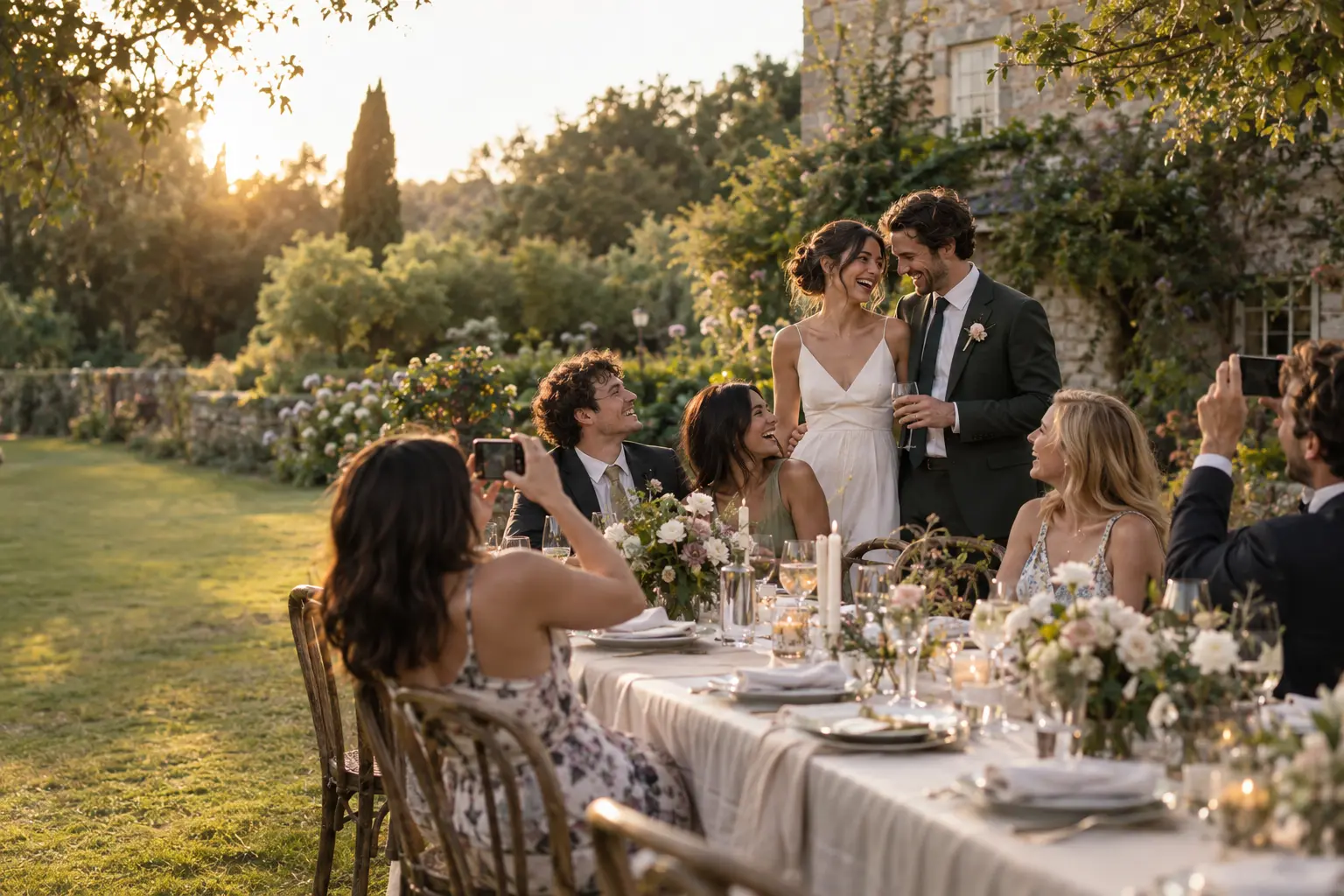
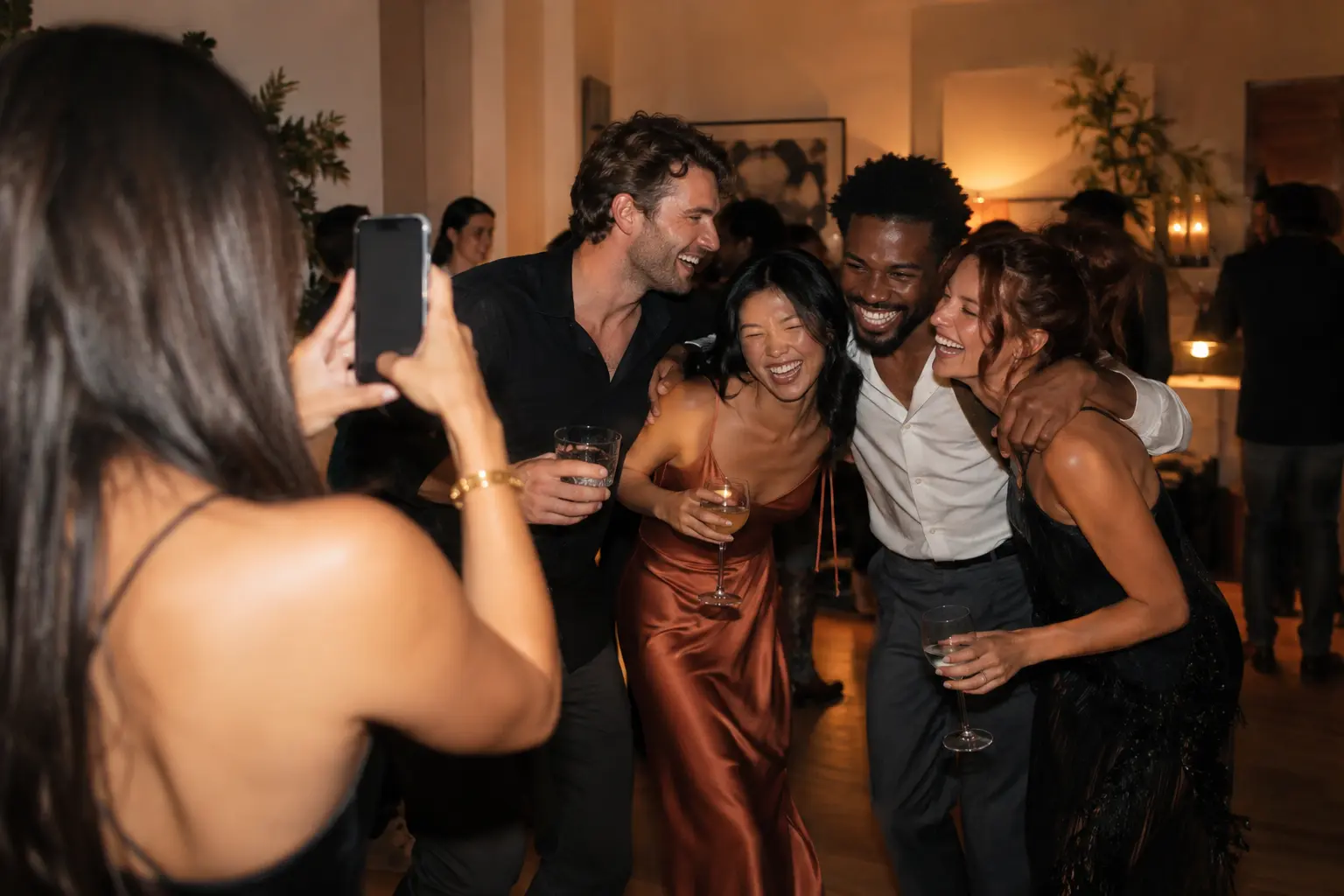
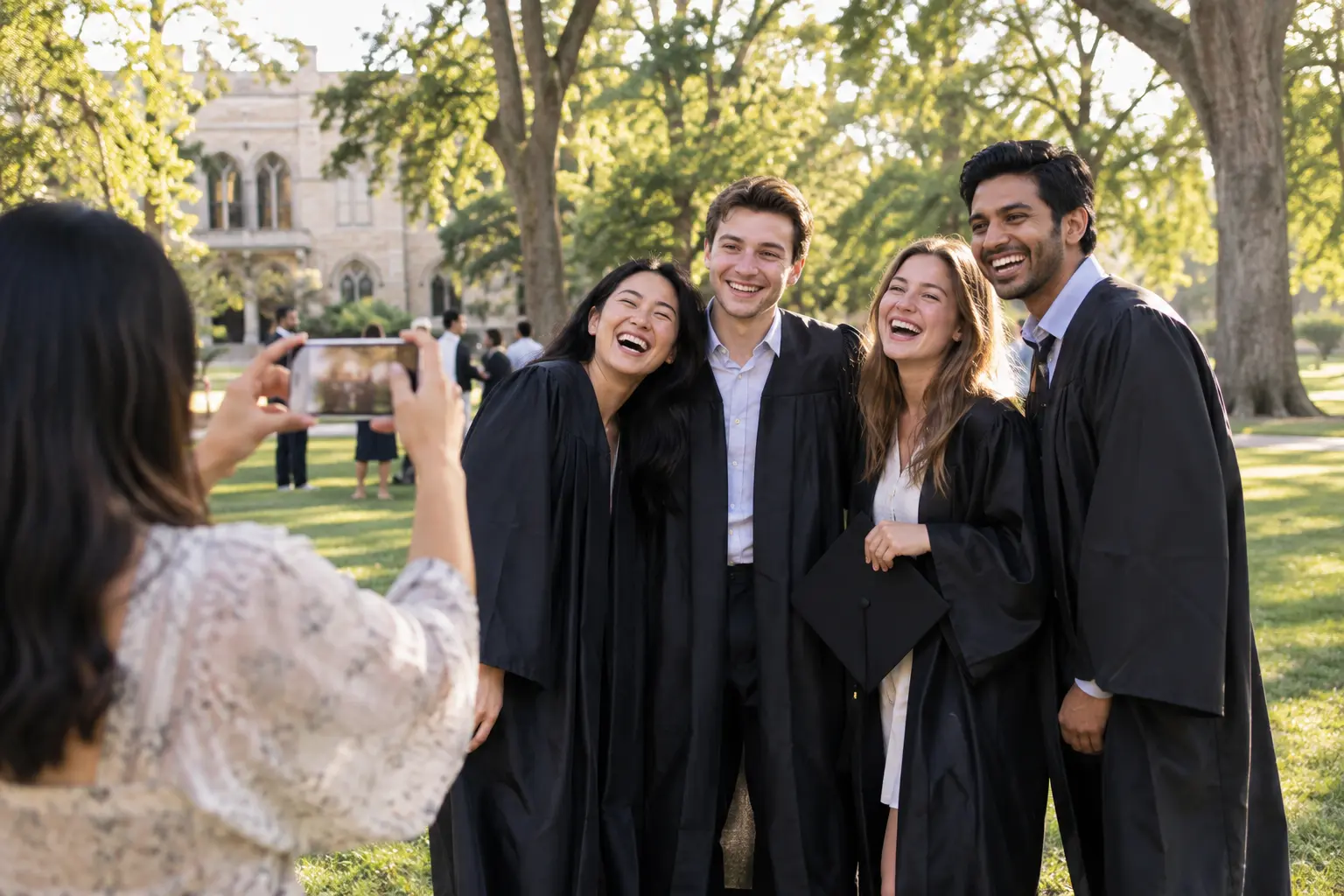
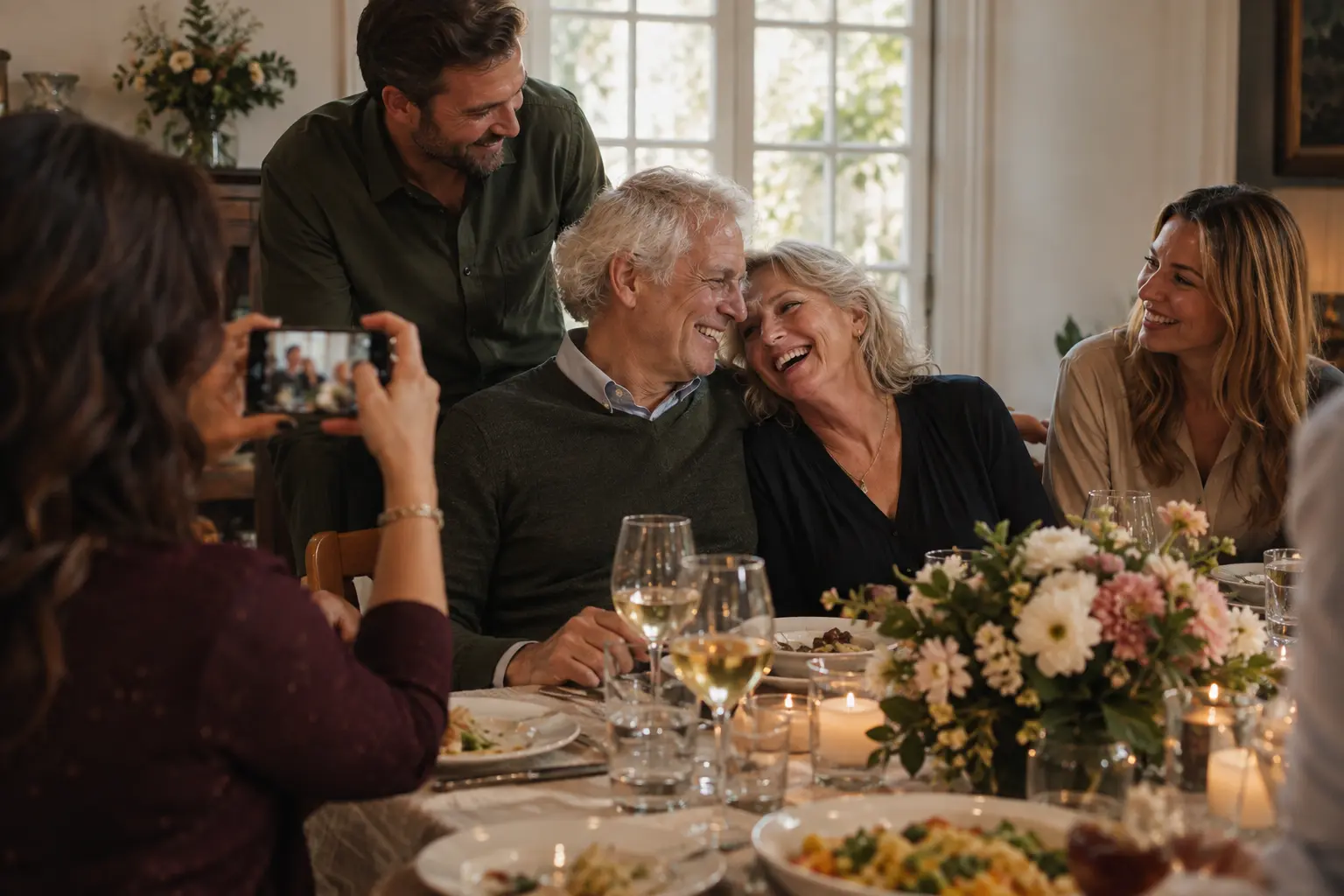
Capture the moments you see — and the ones you don't.
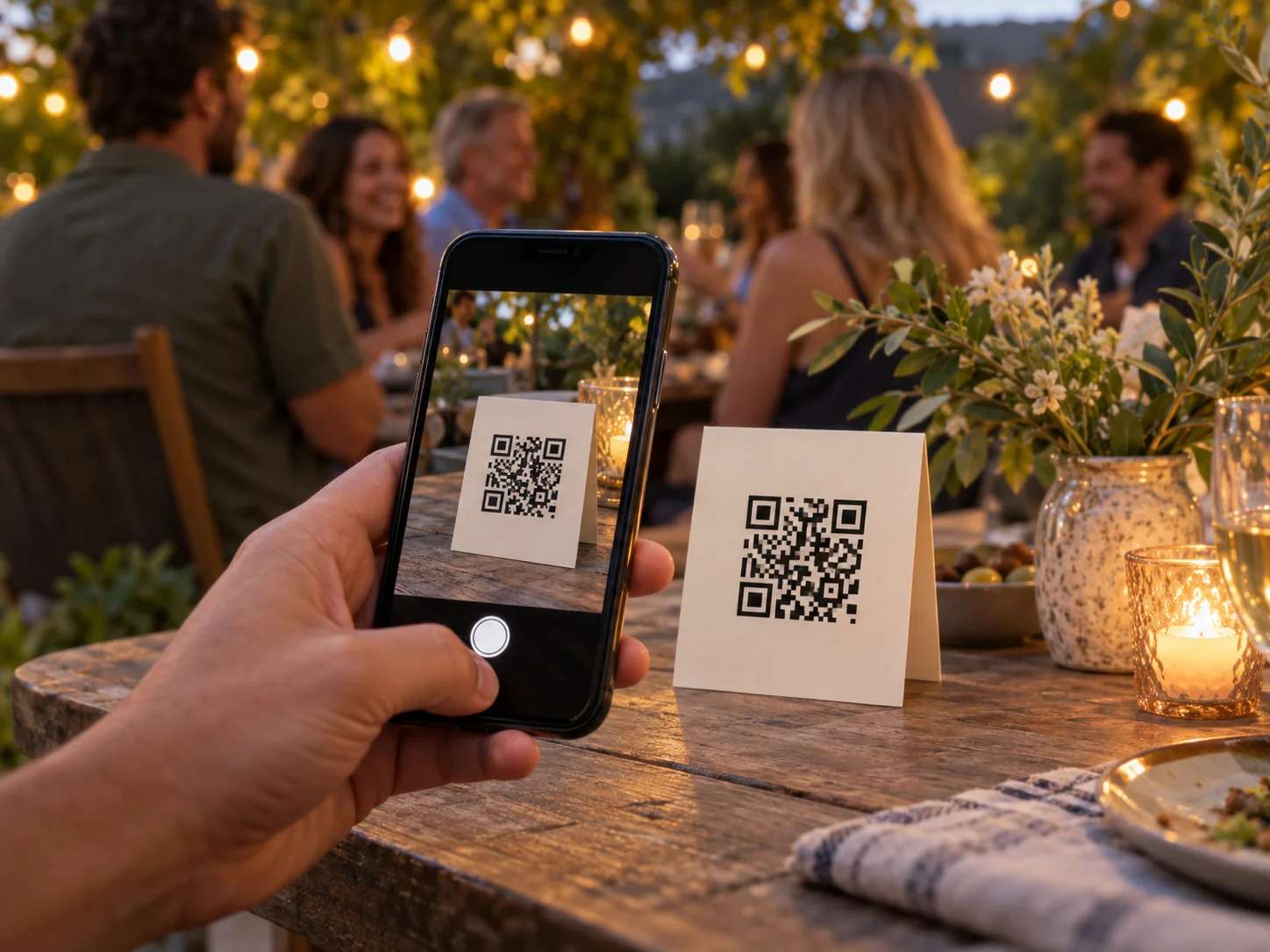
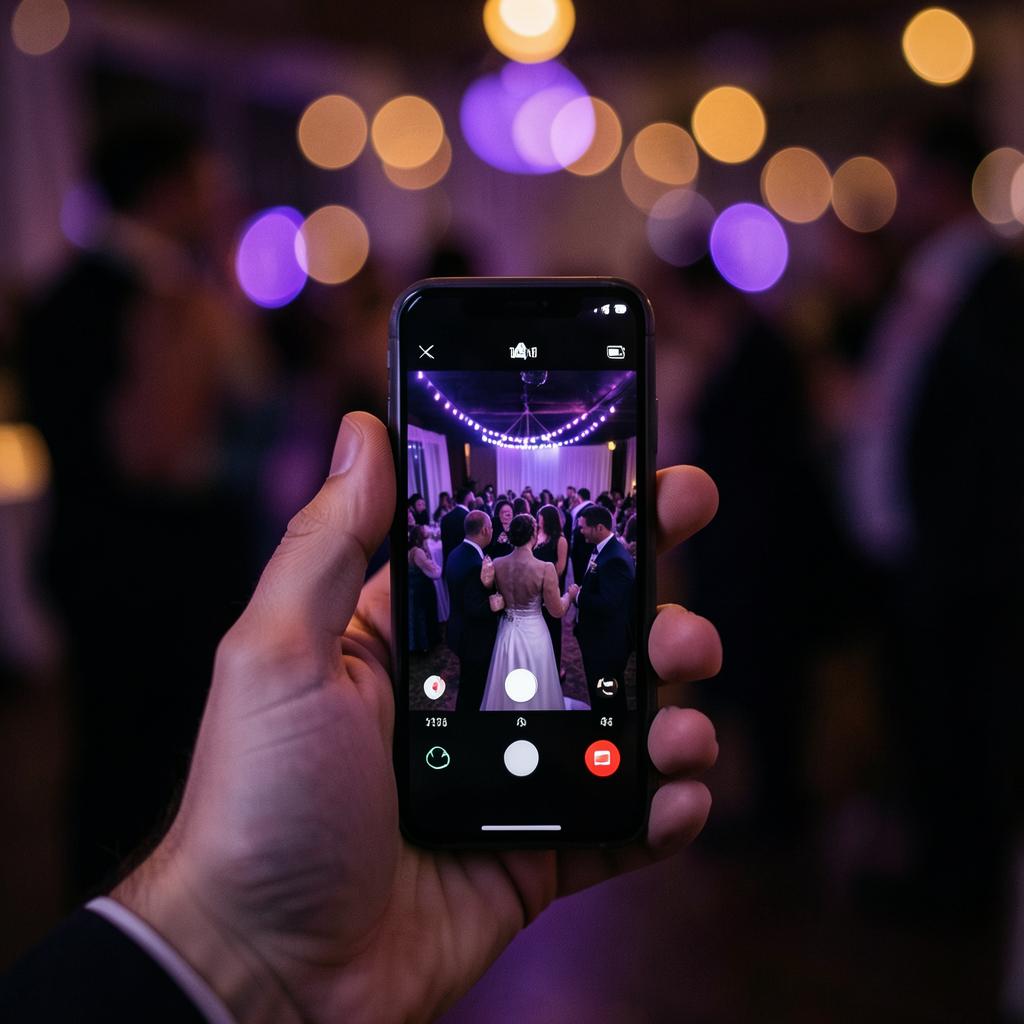
Share one QR. Guests enter your event camera instantly, with your looks ready before the first picture and every approved moment flowing into one shared story.
Scan. Capture. See the event come alive.
Scan & start instantly
Bespoke event looks
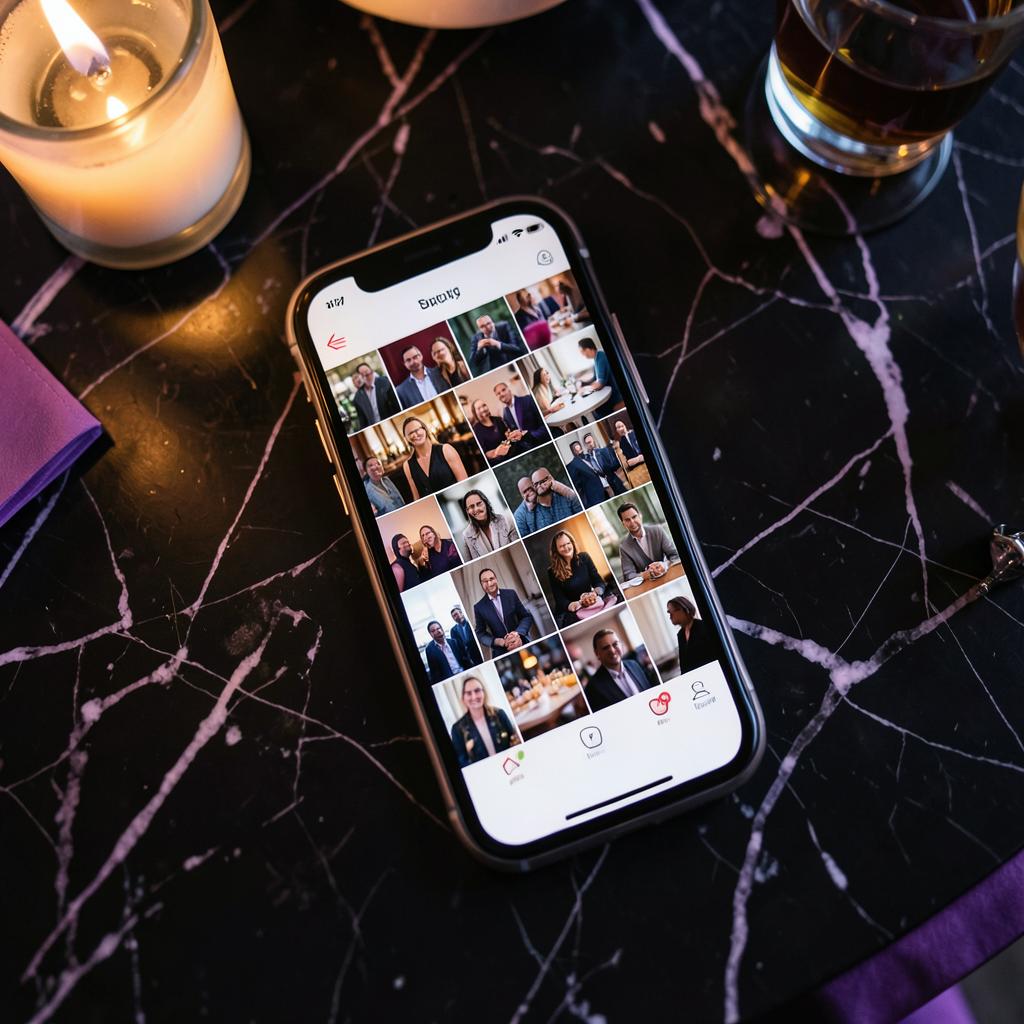
Shared gallery
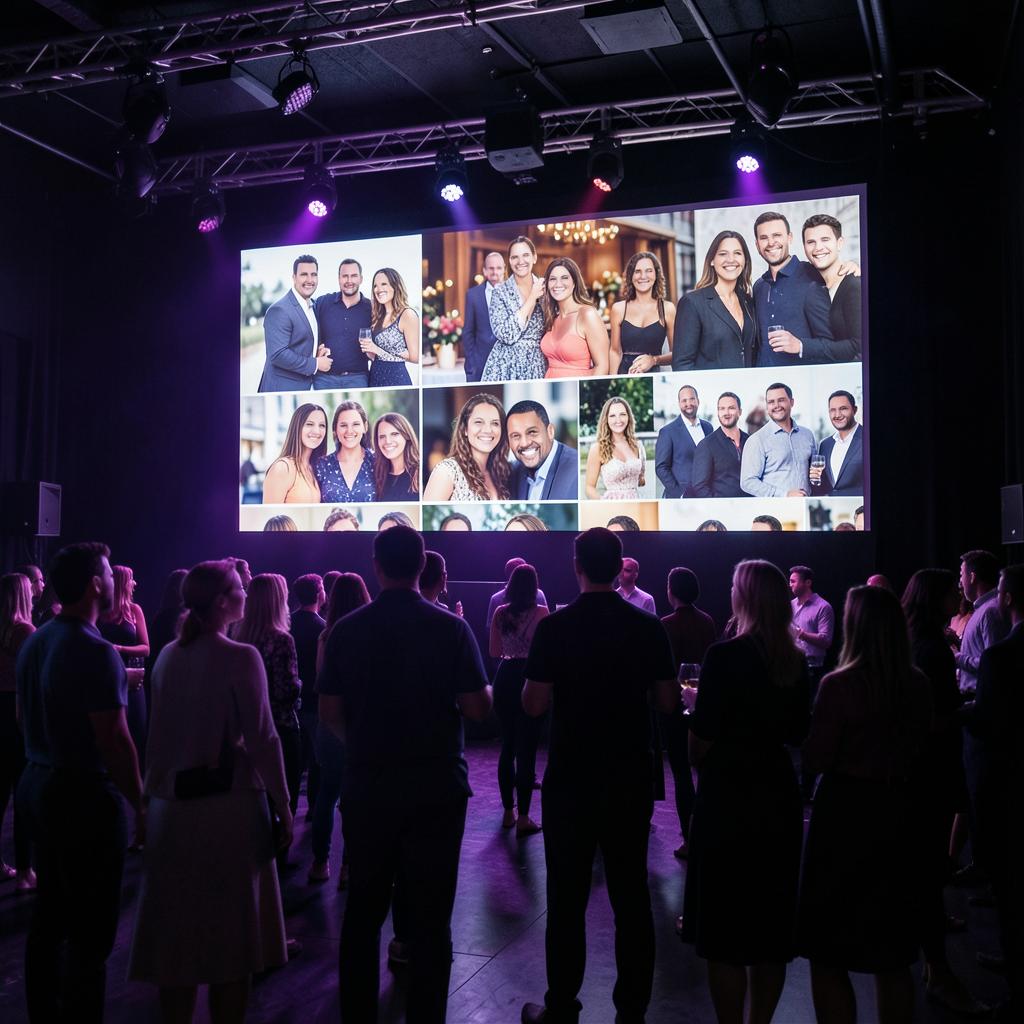
Live slideshow from Signature
SNOVA is the camera your event shares — capture together, keep every perspective and turn the night into a gallery, magazine and social story.
Use SNOVA for your next event.
A shared camera, ready instantly
The QR code opens the event camera in one tap, with every guest joining the same story.
Branded looks at capture
Your filters and frames are on screen before the shutter.
A private event photo gallery
Only people with your event link or code can join; eligible plans add guest lists, PINs and venue controls.
Export to your own cloud drive
Included on every plan, Free as well, alongside full-quality downloads.
Three ways guests get in
With most event galleries, guests shoot first and remember to upload later. Snova turns the code, the link or the invite into your event's own camera.
Scan the code
Try the camera your guests would use — nothing is uploaded or saved.
Loading…
Point your phone camera at the code — the Snova camera opens in the browser, no app and no sign-up. Take a shot and try the looks and frames.
Nothing you take here is uploaded or saved — it stays on your own phone.
Tap the link or type the code
Share the event link anywhere, or let guests enter the seven-character code.
Hand out the invite
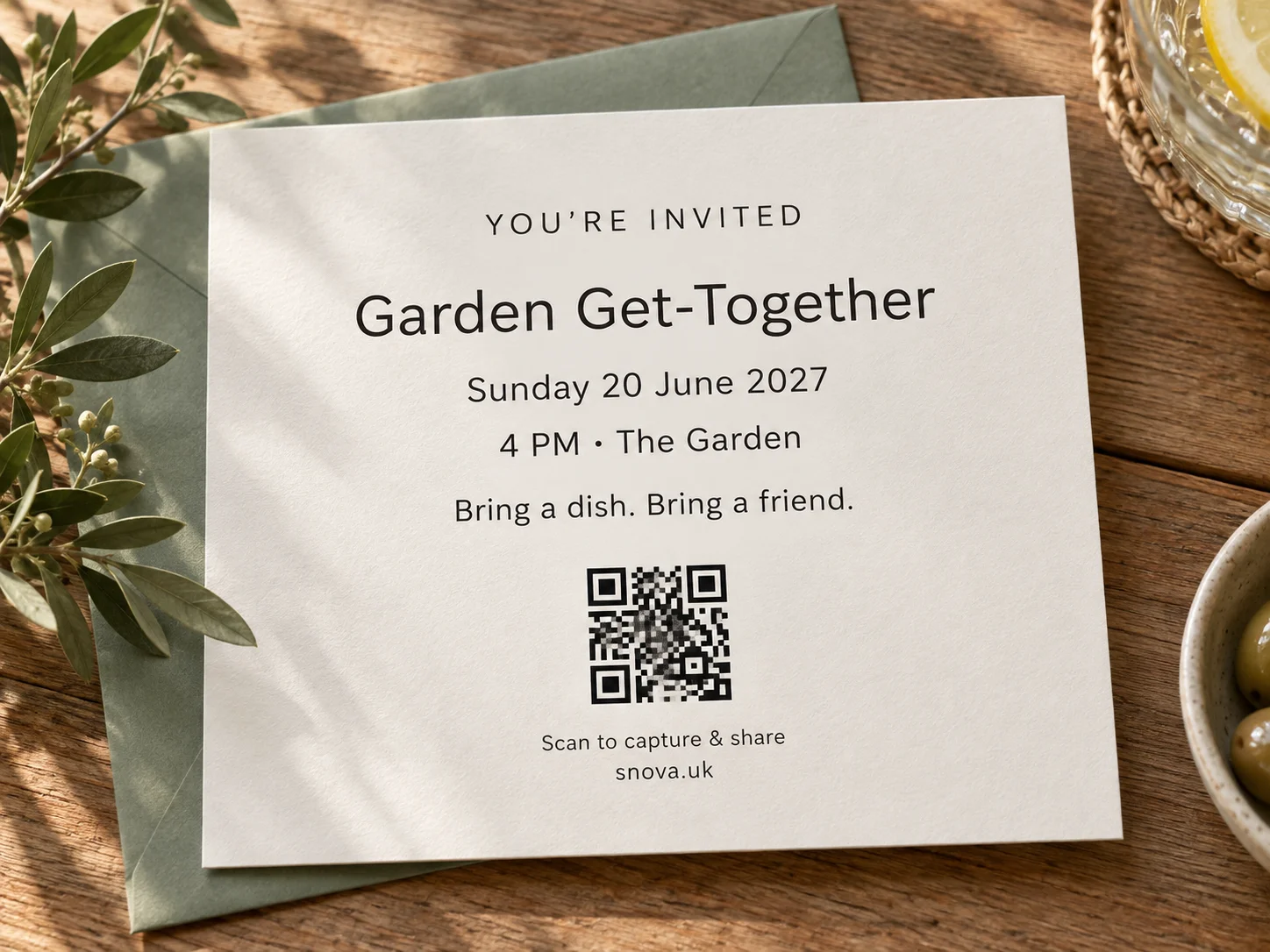
On Signature and Pro Event, Snova designs an invitation from your event's own theme — square, story or printed A6, with the code built in.
Everyone becomes part of the story
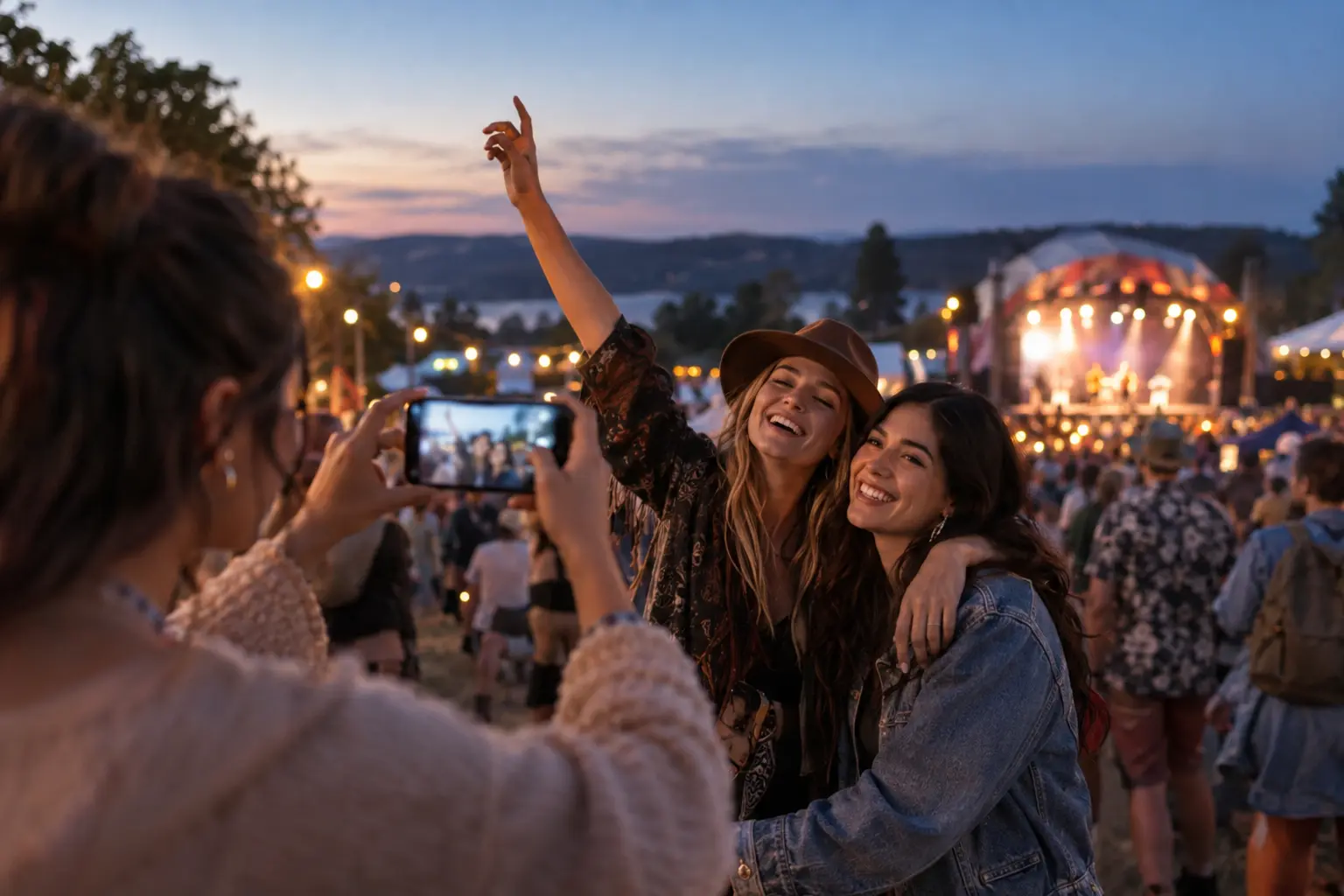
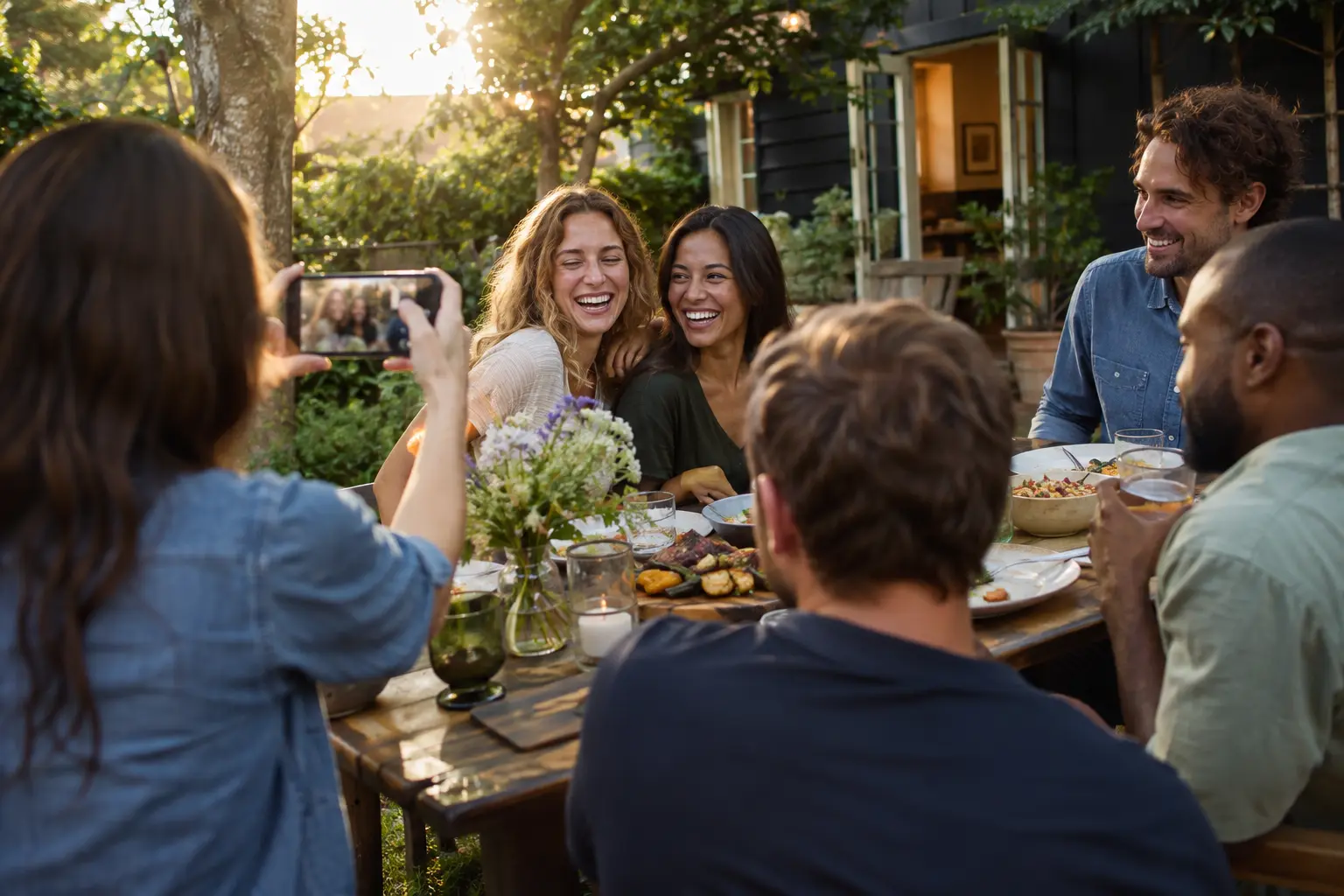
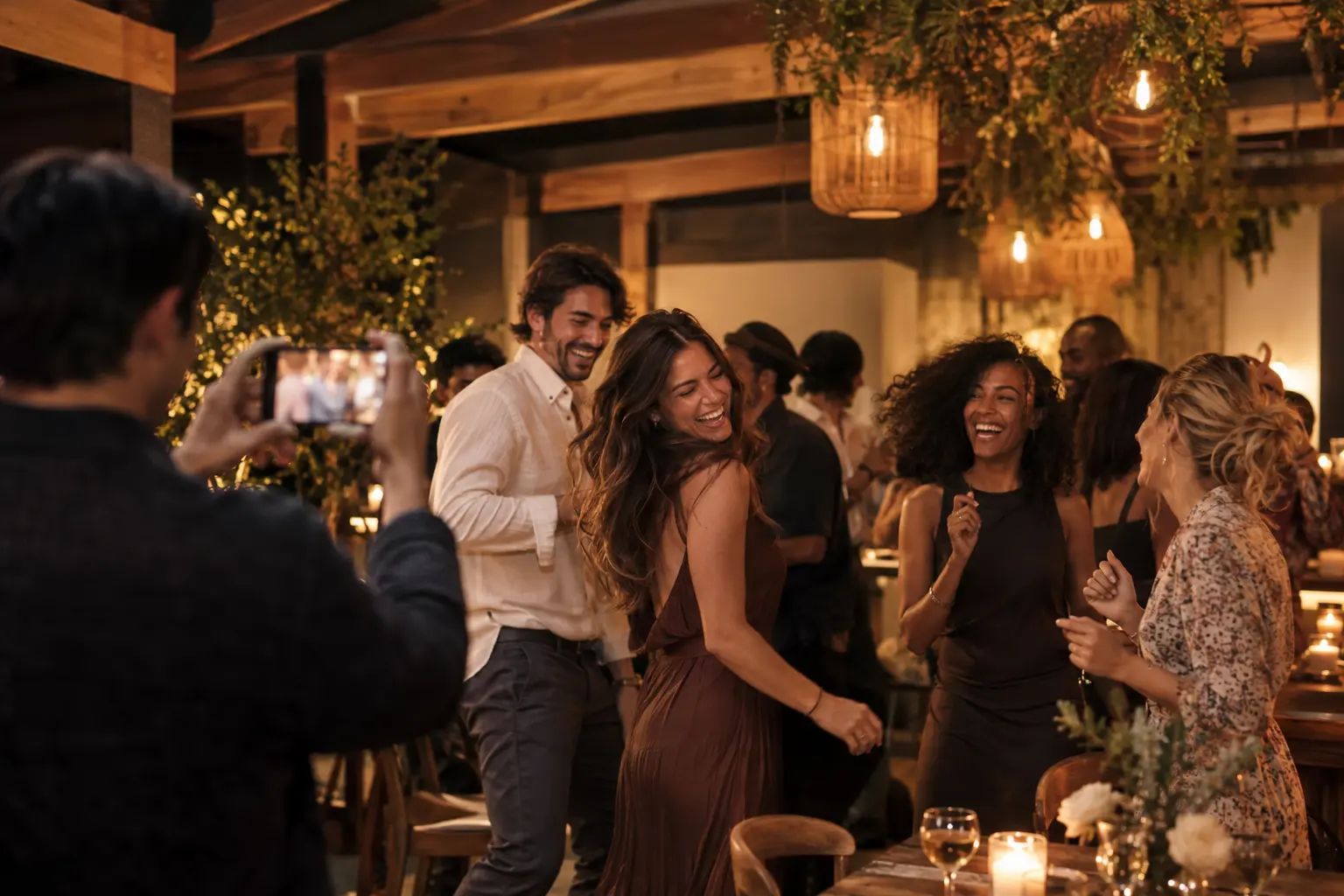
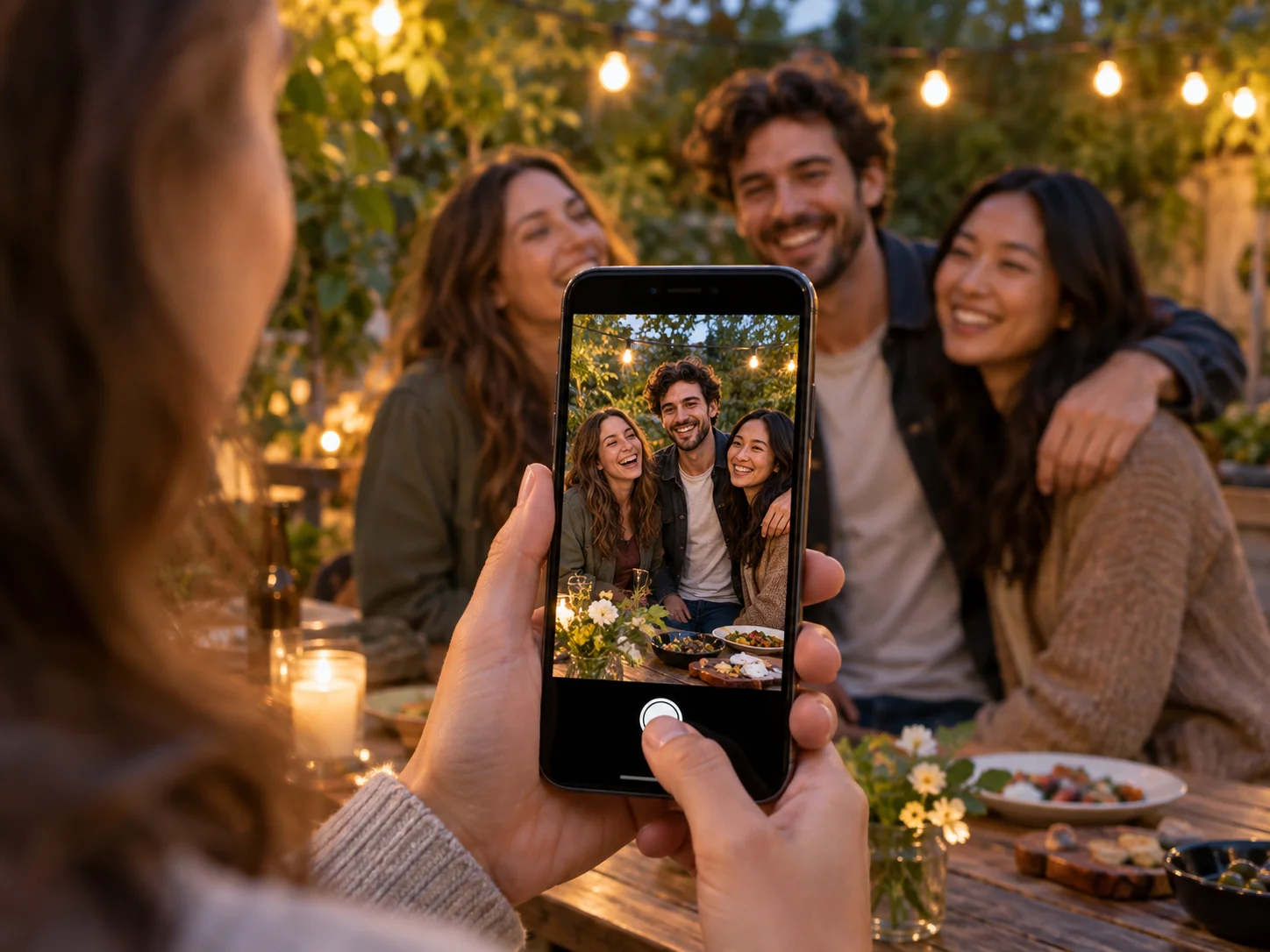
Your photographer captures the major moments. Your guests capture all the perspectives in between — the table laughs, the dance floor, the quiet corners. Snova makes sure those photos end up with you instead of scattered across a hundred camera rolls.
Your event camera, beyond the event
Take the moments. Decide where they belong.
Signed-in guests can take pictures into My tray, keep them on their phone for up to 48 hours and send selected shots to different events. Nothing moves until they choose the event.
Afterwards, Events I attended brings their shared galleries and finished magazines back together. For organisers, the same Snova account creates the event, runs the live gallery and finishes the story.
Find the photos you're actually in
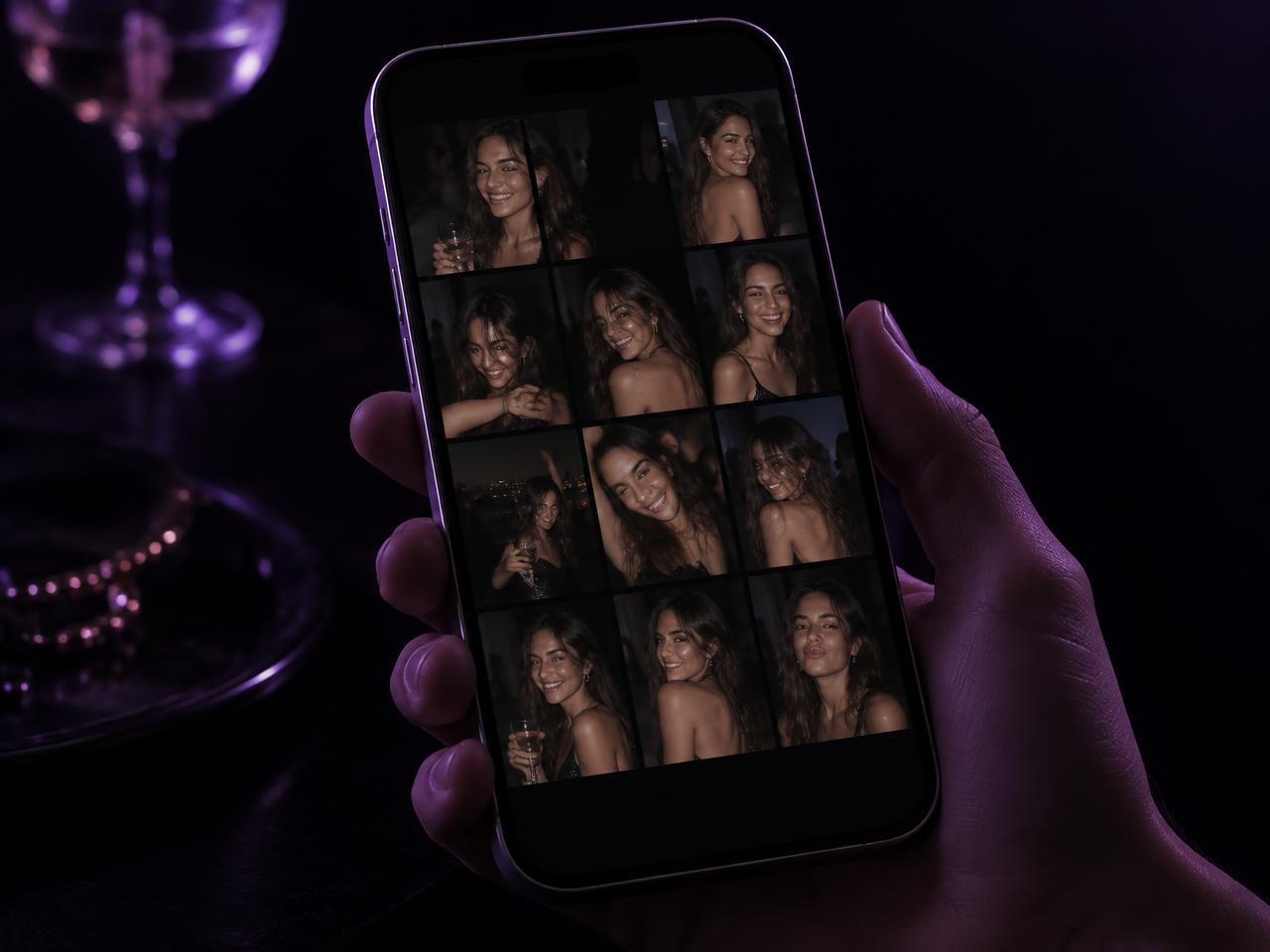
Add one selfie and Snova picks you out of the night — no scrolling through a thousand pictures of other people's tables.
Your album from the night
Guests who add a selfie when they join get their own private album once the event wraps up — just the photos they're in. The organiser decides when it goes out and shares it by link, email or WhatsApp.
My photos, across every event
Save one selfie on your account and Snova gathers every published photo you appear in — from every Snova event you've been to — grouped event by event, like a camera roll of your best nights out.
Only published, screened photos are ever matched. Snova doesn't keep a face record, and anything you mark “not me” is gone for good.
Approved photos can appear seconds after they're captured, filtered by guest and ready to favourite, hide or download. Pending or flagged photos remain hidden.
On Signature and Pro Event, pair a screen for approved photos, varied transitions and a full-screen QR invitation that brings more guests into the camera.
Add the event details, your branding, the looks and frames you want — and the tone you want for posts afterwards.
02
Guests scan & capture
One QR code opens the event camera instantly. Guests capture directly into the event, with no manual upload step.
03
Snova brings every moment together
Photos arrive in your event gallery as they're captured, organised, screened and ready to work with.
04
SNOVA keeps the story going
It finds the moments worth sharing, creates the posts and Reels, checks them and publishes eligible content to Instagram and Facebook. TikTok versions are ready to share.
Prefer to watch? Six short walkthroughs of the real product are in Quick know-how at the top of the page.
Social Studio
Your event creates the content. SNOVA runs the social.
Connect your channels once. Tell SNOVA what you want to achieve. It plans what to post, finds the right moments, creates each post in your style, checks the details and keeps your social moving.
Running
4 posts planned
3 publishing automatically · 1 TikTok ready to share
Needs you
Nothing right now
Results
Shares +31%
vs comparable posts
Illustrative example.
Finds the story
SNOVA reads the moments from your events and decides what's worth sharing.
Creates and checks it
Photos, carousels, Reels and captions are created in your brand style and checked before they go anywhere.
Runs without babysitting
If something doesn't work, SNOVA normally chooses another photo, simplifies the creative or skips the idea. It asks you only when it genuinely needs you.
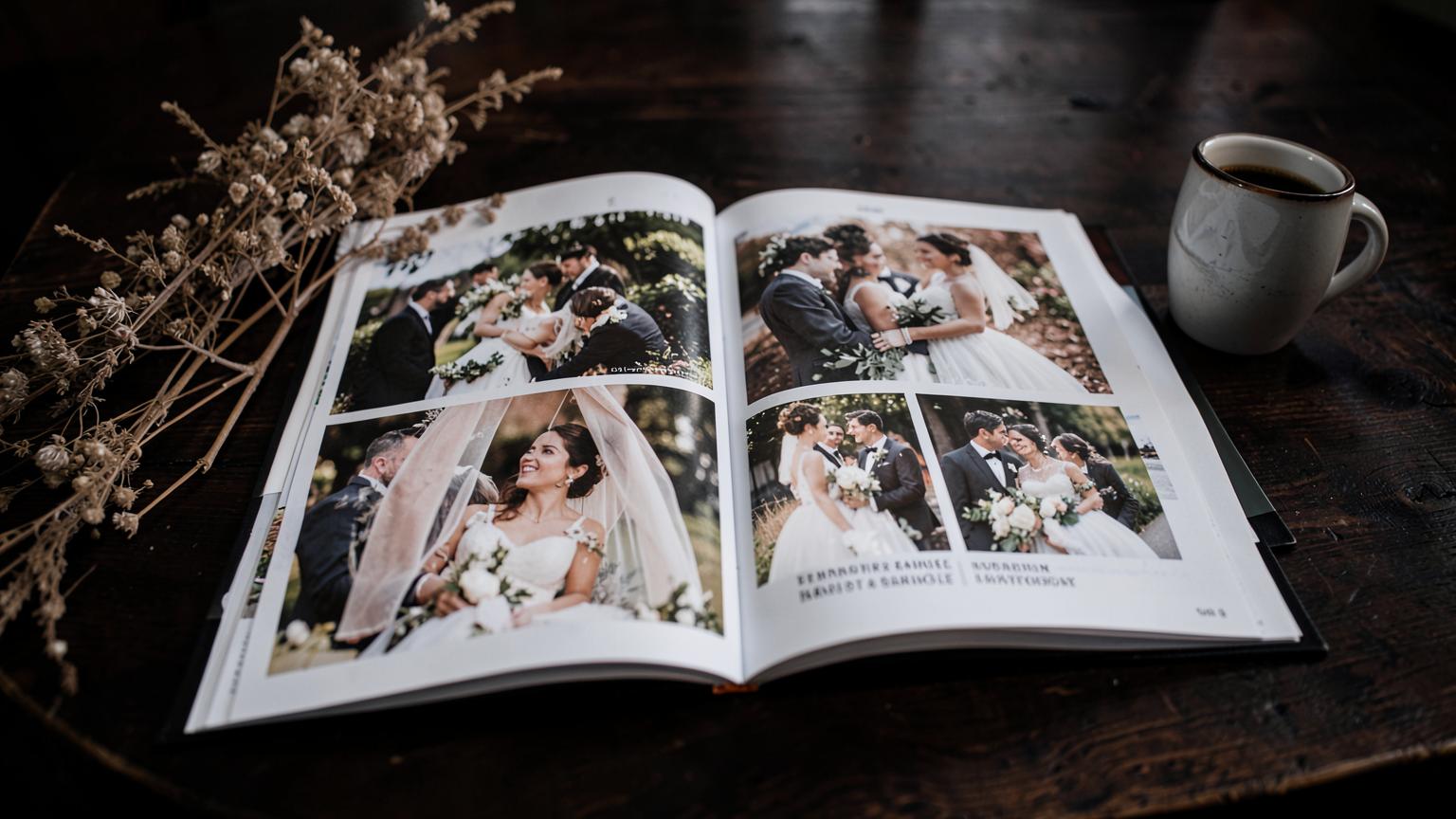
Snova reads the event gallery like an editor: it selects suitable photographs, rejects duplicates and weak shots, chooses the page shape, sequences the story and keeps every photograph whole. You review the clean final PDF, request changes, accept it and download. Photo magazines start on Signature: 1 of up to 24 pages on Signature and up to 2 of 48 pages each on Pro Event.
From Celebration, close the event, let the art director build zero-crop spreads, then review the clean PDF.
Capture once. Keep the story moving.
Event Social Studio is included from Signature: 2 Content Slots on Signature and 3 on Pro Event. SNOVA publishes eligible posts to connected Instagram and Facebook professional accounts automatically; TikTok versions are finished and ready to share. How Social Studio works
Organisers: social posts
From Celebration, SNOVA creates posts, carousels and Reels, checks them and publishes eligible ones for you.
Your event stays your event
Private galleries. Only you see the gallery unless you choose to share it with guests.
You control the gallery. You control your event gallery and exports — delete any photo, block any device, remove the whole event whenever you like.
Clear guest notice. Guests see exactly what's collected before the camera opens.
Handing a camera to a room full of people only works if the wrong photo can't reach the gallery or the big screen. Automatic screening is included on every plan. Enhanced moderation, PIN and venue controls are included from Celebration.
Every photo is screened
Each shot is checked for nudity, sexual content, violence and other unsuitable material before it can appear anywhere. If a check can't complete, the photo is held back rather than let through.
You have the final say
Anything pending, flagged or rejected never reaches your gallery or the screen at the venue. You can hide or delete any photo at any time.
Private unless you say so
Guests can join instantly, the gallery stays closed until you open it, and SNOVA only posts eligible content you've allowed.
PIN-protected joining, an active zone at the venue and an event window that closes the code are covered in the questions below.
For guests: your photos are screened before anyone sees them, only the people the organiser chooses can view the gallery, and you can delete your own photo whenever you want. How we handle your photos
For corporates
Corporate get-togethers, every colleague a photographer
Talk to us for your corporate get-togethers — every picture from every colleague in one place, with more. Every colleague at your event could be your photographer of the event.
One place for every picture
Away days, awards, launches and socials collect in one reviewed gallery, ready for your comms team.
Your brand, not ours
White-labelled or bespoke: corporate-produced frames, filters and backgrounds on every photo.
Outputs that suit corporate needs
Event magazines, branded reels and posts, and galleries your team can download and use.
Pricing that matches your event
One free event to try it, Early Access plans from £19 per event (standard £29), and organisation plans for venues and planners running events all year.
Free for one event · Standard plans from £29, now £19 Early Access per event, excluding VAT · Guest photo windows are 4, 12 or 24 hours; on Pro Event, you choose · Gallery kept 6 months on Signature
Frequently asked questions
Do guests need to download an app?+
No. A QR code opens the Snova event camera instantly on iPhone and Android, so nobody is excluded. Guests who want Snova close at hand can add it to their home screen; the full native app will be offered when it is ready.
How is this different from an upload link?+
Snova is a shared event camera, not an upload form. Guests shoot through your event's looks and frames, so the photo is shared the moment it's taken. From Celebration they can record short clips too — up to 15 seconds on Celebration, 30 on Signature and 60 on Pro Event — and photos are always kept at their original quality.
Who can see the photos?+
Your event photo gallery is private. Only you see it unless you let guests view the gallery or share a slideshow link, and you can delete anything at any time.
Can I stop strangers joining with the QR code?+
Yes. From Celebration you can add a 4-digit PIN, so scanning the code alone isn't enough, and turn on the active zone so only people at your venue and a set distance around it can add photos. Every plan's code also stops accepting photos once the event window closes: 4 hours on Free, 12 on Celebration, 24 on Signature and your own choice on Pro Event.
Can I manage a guest list, invitations and check-in?+
Yes, from Signature: upload or paste your list, save it to your account for next time, and send everyone the designed invitation card with your event QR code. Pro Event adds a personal code for each guest, their replies and check-in — guests open their invitation link at the venue, or someone checks them in at the door — plus a message the moment someone arrives.
Can I put the photos on a screen at the venue?+
Yes, on Signature and Pro Event. Pair any screen or laptop with your phone and approved photos appear as they're taken, with you in control of what shows.
Can I keep the photos in my own storage?+
Yes, on every plan including Free. Download everything at full quality, or export the gallery straight to your own cloud drive.
Do I have to approve every post?+
No. With Run automatically on, SNOVA publishes eligible content to connected Instagram and Facebook accounts without waiting for approval. It asks only when something genuinely needs your judgement or an account action.
Can I stop automatic posting?+
Yes. Pause publishing stops scheduled and automatic publishing immediately, while SNOVA can keep planning.
What happens if SNOVA creates something that doesn't look right?+
SNOVA normally resolves it itself: it picks another photo, simplifies the treatment or falls back to the original, rather than asking you to fix it.
Does SNOVA automatically post to TikTok?+
Not currently. SNOVA prepares the finished TikTok version, ready for you to share.
Does SNOVA change photos of children with AI?+
No. AI transformation of people is blocked whenever children are involved.
What's the difference between Event Social Studio and My Social Studio?+
Event Social Studio creates content around one event and is included with Celebration, Signature and Pro Event. My Social Studio is a subscription that runs your social across your business and all your events.
How much does it cost?+
One free event to try it. Early Access event plans start at £19 per event (standard £29), and venues or planners running events regularly can talk to us about organisation plans. Prices exclude VAT.
Your guests are already taking the photos.
Snova makes sure you get them — in one gallery, in your style, while the event is still happening.